準備
(なし)
デザイン
- フォーム (Form1) にボタン (button1) を配置します。
- フォーム (Form1) にリストボックス (listBox1) を配置します。
サンプルコード (C#)
namespace WinFormsApp1
{
    public partial class Form1 : Form
    {
        public Form1()
        {
            InitializeComponent();
        }

        private void Form1_Load(object sender, EventArgs e)
        {
        }

        private void button1_Click(object sender, EventArgs e)
        {
            string sPath1 = @"C:\Windows";
            listBox1.Items.Add(Directory.Exists(sPath1));

            string sPath2 = "C:\\Windows";
            listBox1.Items.Add(Directory.Exists(sPath2));
        }
    }
}
解説
VB.NET のパス区切り記号は \ ですが、C#, C++/CLI のパス区切り記号は \\ と書きます。尚、C# のみパスの文字列の前に @ を付けることで、\ だけで書くことができます。
結果
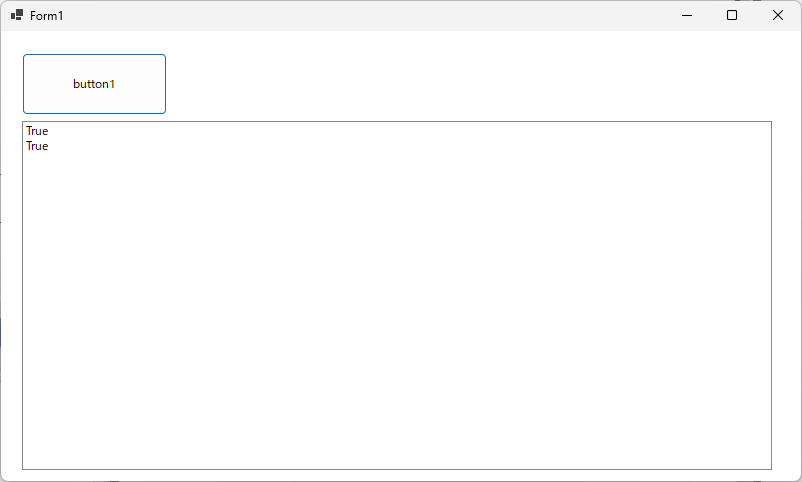
動作確認環境
Visual Studio 2022 Professional (.NET 7 C#11)
ログ
初版:2016.05.01 Visual Studio 2015 Professional (C# 6.0)